Call Summaries in a CRM: Transcripts Your Timeline Can Read
Nobody re-listens to calls. Summaries make recorded conversations usable — by humans and by the rest of your automation.
From audio to record
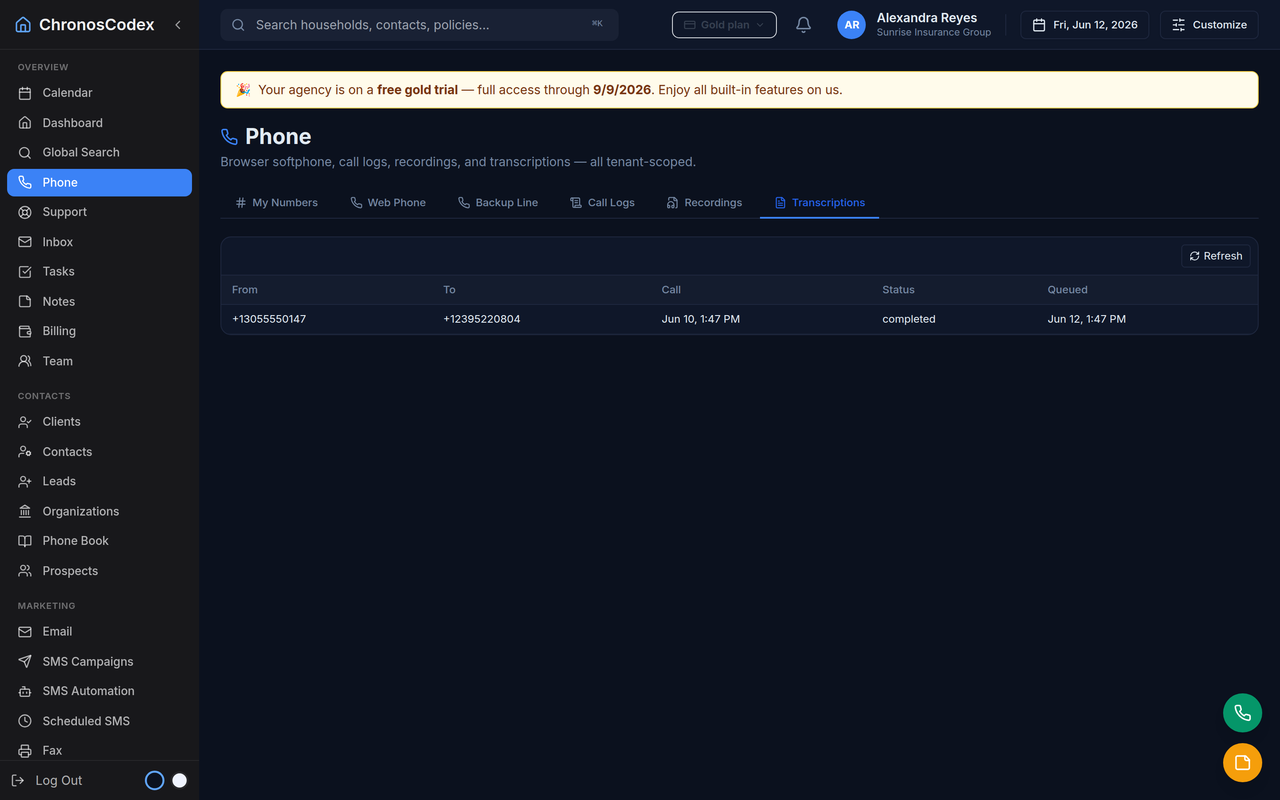
The pipeline: record (with proper disclosure for your states) → transcribe → label speakers → summarize → attach to the household timeline. The deliverables that matter: a two-line summary for scanning, the full transcript for disputes and coaching, and extracted follow-ups ("client asked about adding dental") that can become tasks.
What changes day to day
- Note-taking disappears: agents talk; the record writes itself.
- Handoffs work: a teammate picks up the household and reads the last three calls in seconds.
- Coaching gets specific: review summaries broadly, drill into transcripts only where needed.
- Disputes get short: "you never told me" meets a timestamped transcript.
Implementation notes
Speaker labeling (who said what) is what makes transcripts readable — insist on it. Summaries should live on the client record, not in a separate "AI app". And retention should be a policy you set, not an accident of vendor defaults. ChronosCodex runs this pipeline natively: recordings, speaker-labeled transcripts, and summaries all land on the household, searchable later.
ChronosCodex brings these workflows into one CRM. SMS/email automation, voice and PBX integration are built in, with availability and usage pricing varying by plan; the AI workflows described on this page are not all available to every workspace today. Explore ChronosCodex or log in if you already have a workspace.
Automation usage still needs clear limits: SMS automation uses SMS segments, voice automation uses billable minutes, and email workflows count against outbound email allowance. Wallet credits, add-ons, or plan upgrades can support heavier usage once provider readiness and consent requirements are met.